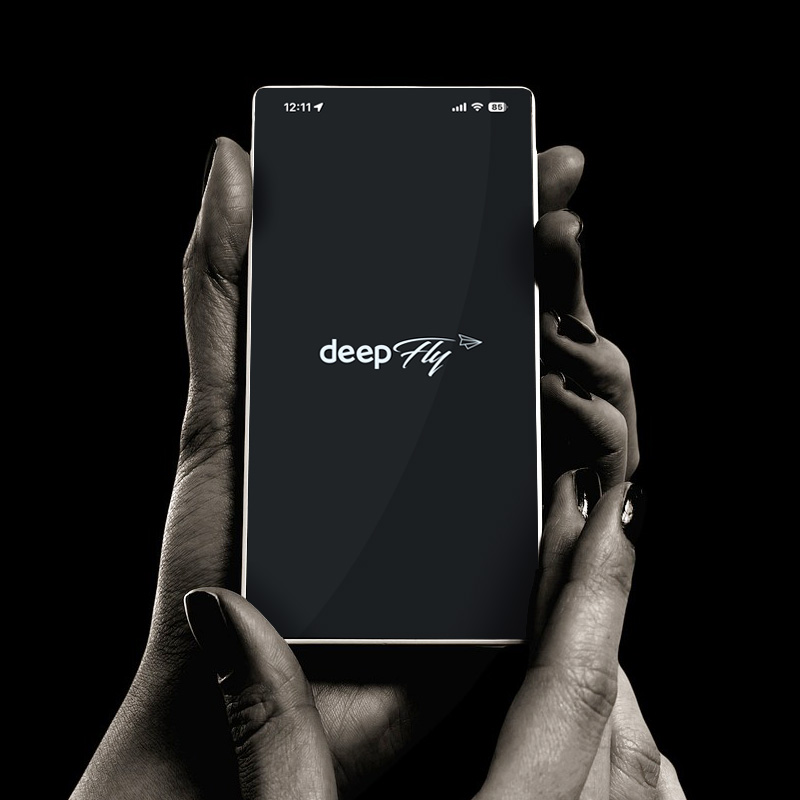
DEEPFLY DASH CAM
MOBILE APP
DEEPFLY DASH CAM
MOBILE APP
Efficient video download and real-time, convenient control
viewing all through DEEPFLY Dash Cam app.
Easy Wi-Fi
Device Pairing
TRY USING DEEPFLY DASH CAM EVEN MORE SMARTLY
DEEPFLY CONNECTED mobile apps are your convenient go-to-app for easy access to your DEEPFLY Dash Cam. Save the hassle of going back home to know what you have recorded and check them on your smartphone.
Manage your dash cam through a mobile app, view real-time videos, easily download them, and effortlessly upload and share downloaded videos on social media and more.
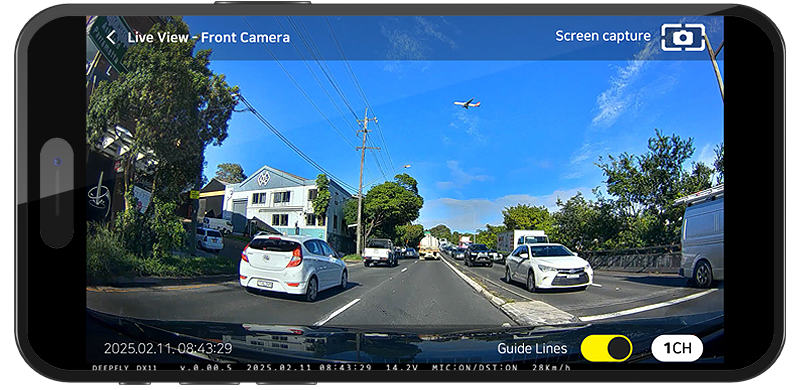
REAL TIME VIDEO
You can view real-time video or play recorded videos on your smartphone through the DEEPFLY mobile app.
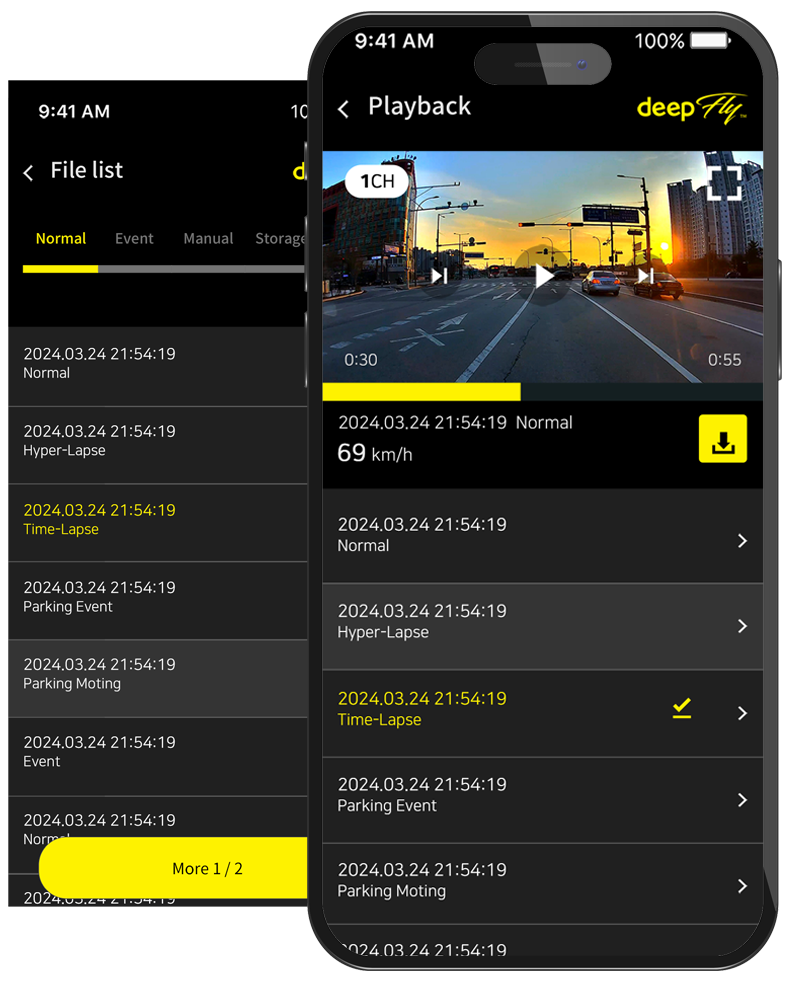
PLAYBACK
Watch both front and rear camera recorded videos from your dash cam. Videos are also grouped by event type and can be filtered by date for easier file navigation inside the Recorded Files
QUICK DOWNLOAD
Easily and quickly save the recording files from the dash cam to your mobile device
Your iOS or Android smartphone can be connected to either the 2.4 GHz or 5 GHz bandwidth for faster file transfers


SETTING DASHCAM
Change dash cam settings such as recording frame rate, time, motion sensitivity, parking mode, sound and audio recording, LED, battery protection mode (LBP), ADAS etc.
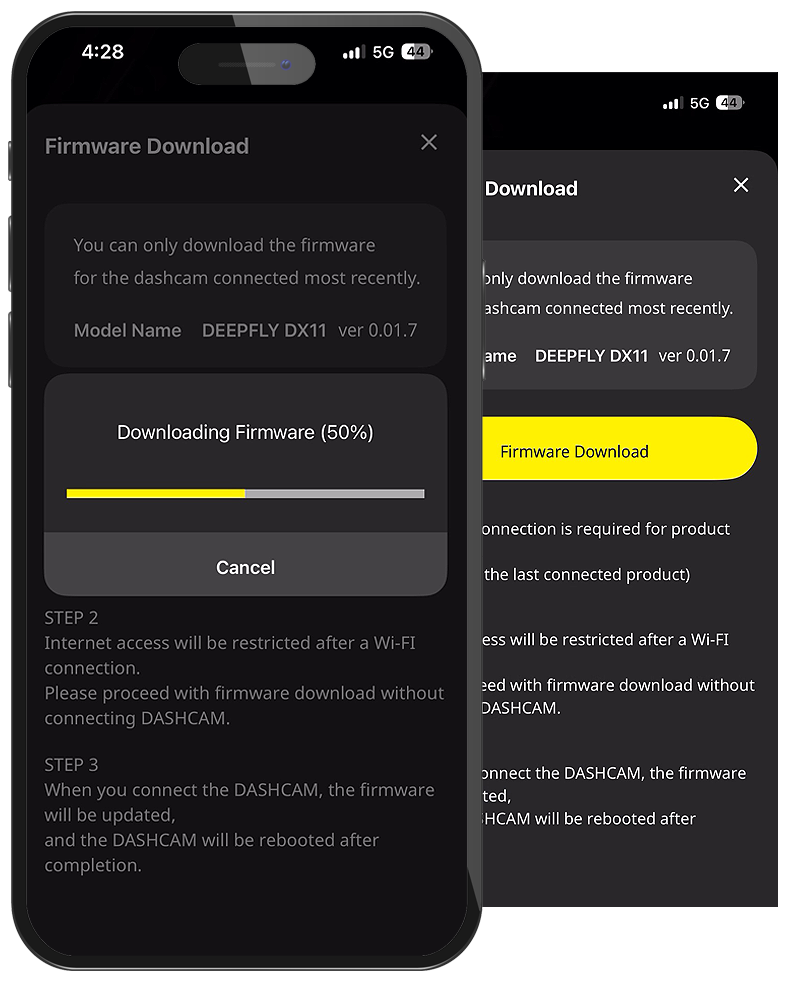
Firmware Upgrades
Upgrade DEEPFLY dash cam’s firmware to the latest version directly from the DEEPFLY CONNECTED App.
DEEPFLY MOBILE APP
TUTORIAL
Easy Wi-Fi
Device Pairing
TRY USING DEEPFLY DASH CAM EVEN MORE SMARTLY
DEEPFLY CONNECTED mobile apps are your convenient go-to-app for easy access to your DEEPFLY Dash Cam. Save the hassle of going back home to know what you have recorded and check them on your smartphone.
Manage your dash cam through a mobile app, view real-time videos, easily download them, and effortlessly upload and share downloaded videos on social media and more.
REAL TIME VIDEO
You can view real-time video or play recorded videos on your smartphone through the DEEPFLY mobile app.
PLAYBACK
Watch both front and rear camera recorded videos from your dash cam. Videos are also grouped by event type and can be filtered by date for easier file navigation inside the Recorded Files
QUICK DOWNLOAD
Easily and quickly save the recording files from the dash cam to your mobile device
Your iOS or Android smartphone can be connected to either the 2.4 GHz or 5 GHz bandwidth for faster file transfers
SETTING DASHCAM
Change dash cam settings such as recording frame rate, time, motion sensitivity, parking mode, sound and audio recording, LED, battery protection mode (LBP), ADAS etc.
FIRMWARE UPGRADES
Upgrade DEEPFLY dash cam’s firmware to the latest version directly from the DEEPFLY CONNECTED App.
DEEPFLY MOBILE APP
TUTORIAL
DOWNLOAD – DEEPFLY DASH CAM MOBILE APP
DEEPFLY CONNECTED APP
DEEPFLY DASH CAM
MOBILE APP


Efficient video download and real-time, convenient control. viewing all through DEEPFLY Dash Cam app.
DEEPFLY
CONNECTED APP
DOWNLOAD
DEEPFLY DASH CAM MOBILE APP